Table cards and stands
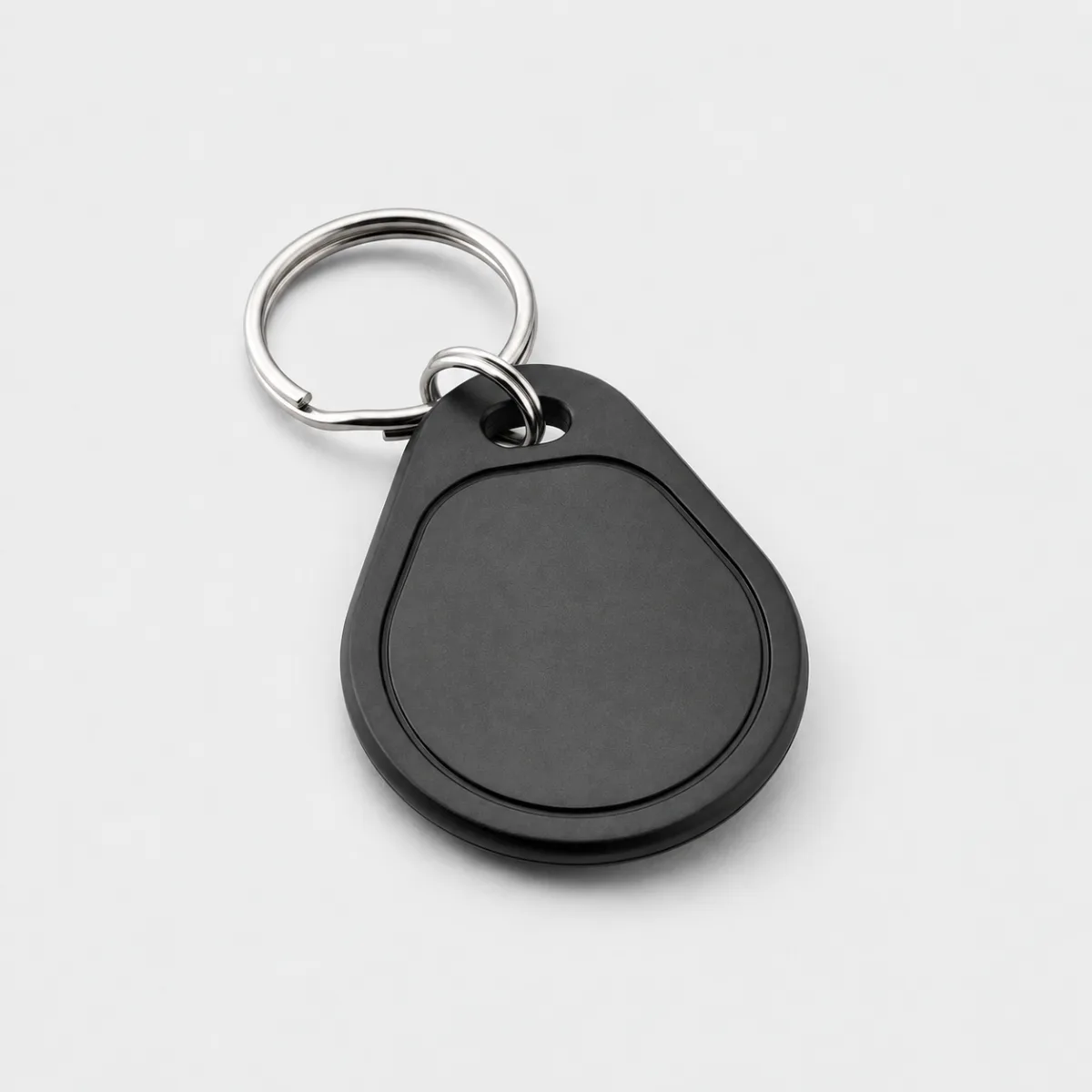
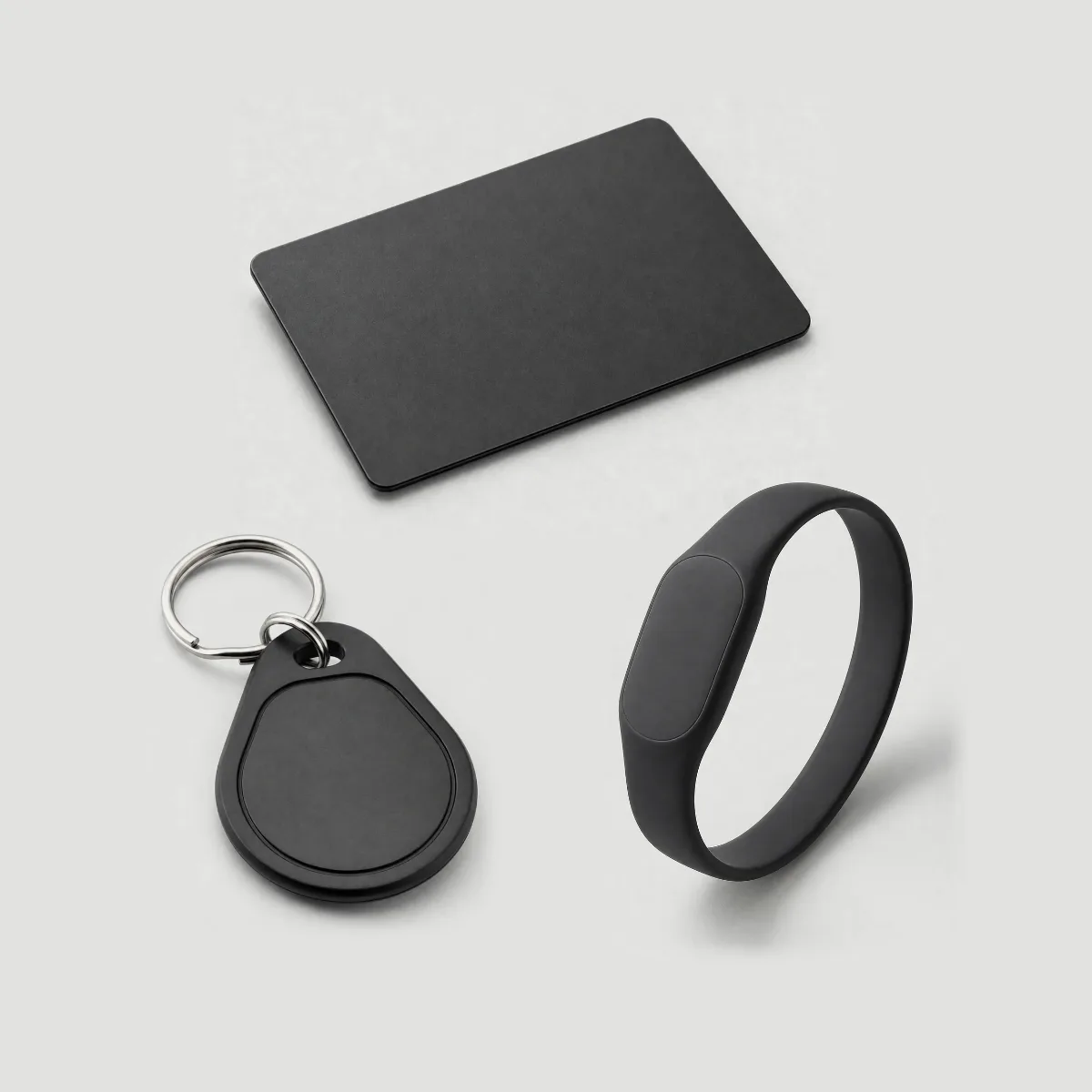
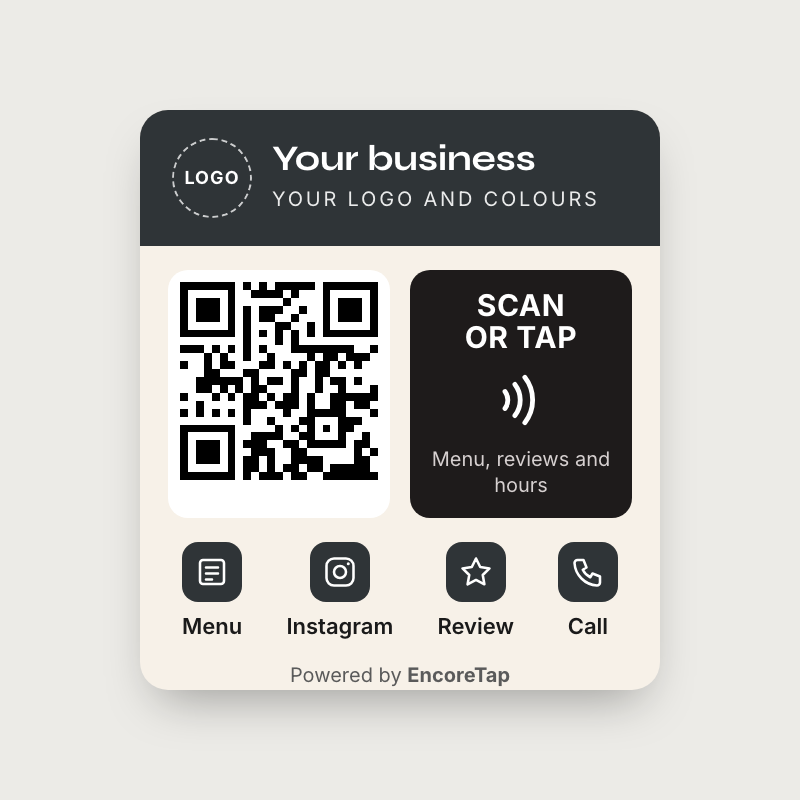
Your name and logo on the front. Customers tap it or scan it. $40 with an acrylic stand. Each extra of the same piece is $5 less.
$30, then $25 each extraSee in Products
Customers tap or scan to call you, see your menu or leave a review. No app needed.
See pricesPowered by EncoreTap
What you do · Your street
Your opening hours
EncoreTap
Each kind of business gets the buttons it uses.
Wood-fired pizza · Bloomfield Ave
Tue–Sun 11:30–10 · Closed Mon
EncoreTap
RestaurantA card on every table.
Plumbing and heating · Licensed, insured
Mon–Fri 7–6 · 24h emergency
EncoreTap
TradesA card in the van and a decal on the door.
Hair salon · Walk-ins welcome
Wed–Sat 10–7 · Sun 11–4
EncoreTap
SalonA card at the front desk.
BrightLocal 2026: 47% of people will not use a business with fewer than 20 reviews.
Fill in the buttons you want. The rest stay hidden.
Activity
| Button | Taps |
|---|---|
| Calls | 18 |
| Menu opens | 64 |
| Directions | 22 |
| Contacts saved | 5 |
| Google review opens | 9 |
| Instagram opens | 14 |
Taps on each button. Nothing about who tapped. 90 days and 12 months come with Pro.
Printed for your business. Tap or scan to open your page.
Your name and logo on the front. Customers tap it or scan it. $40 with an acrylic stand. Each extra of the same piece is $5 less.
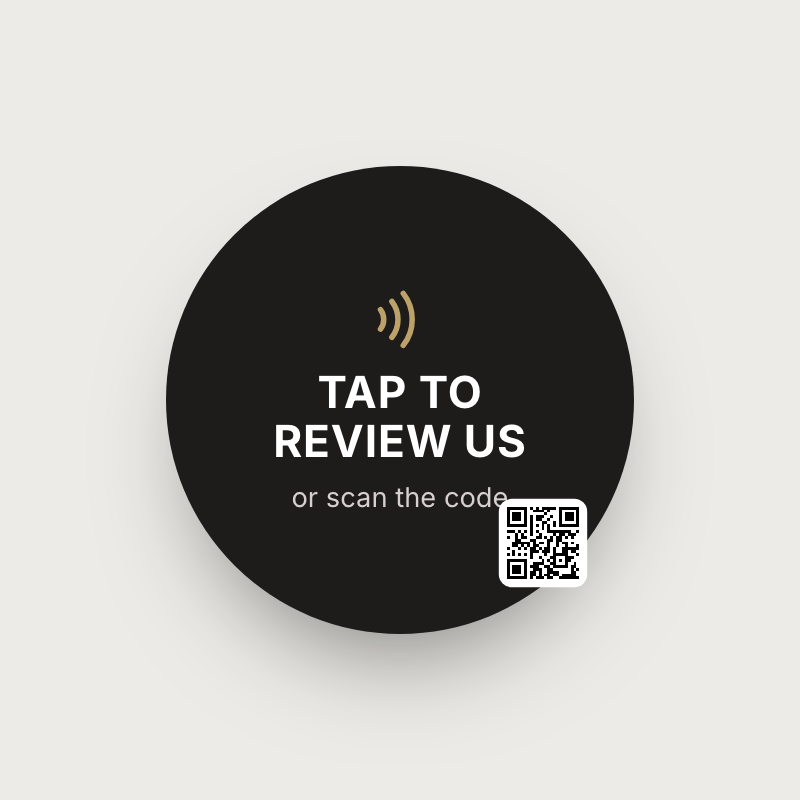
“Tap to review us” for the till, the door or the window. Opens your review link or your page.
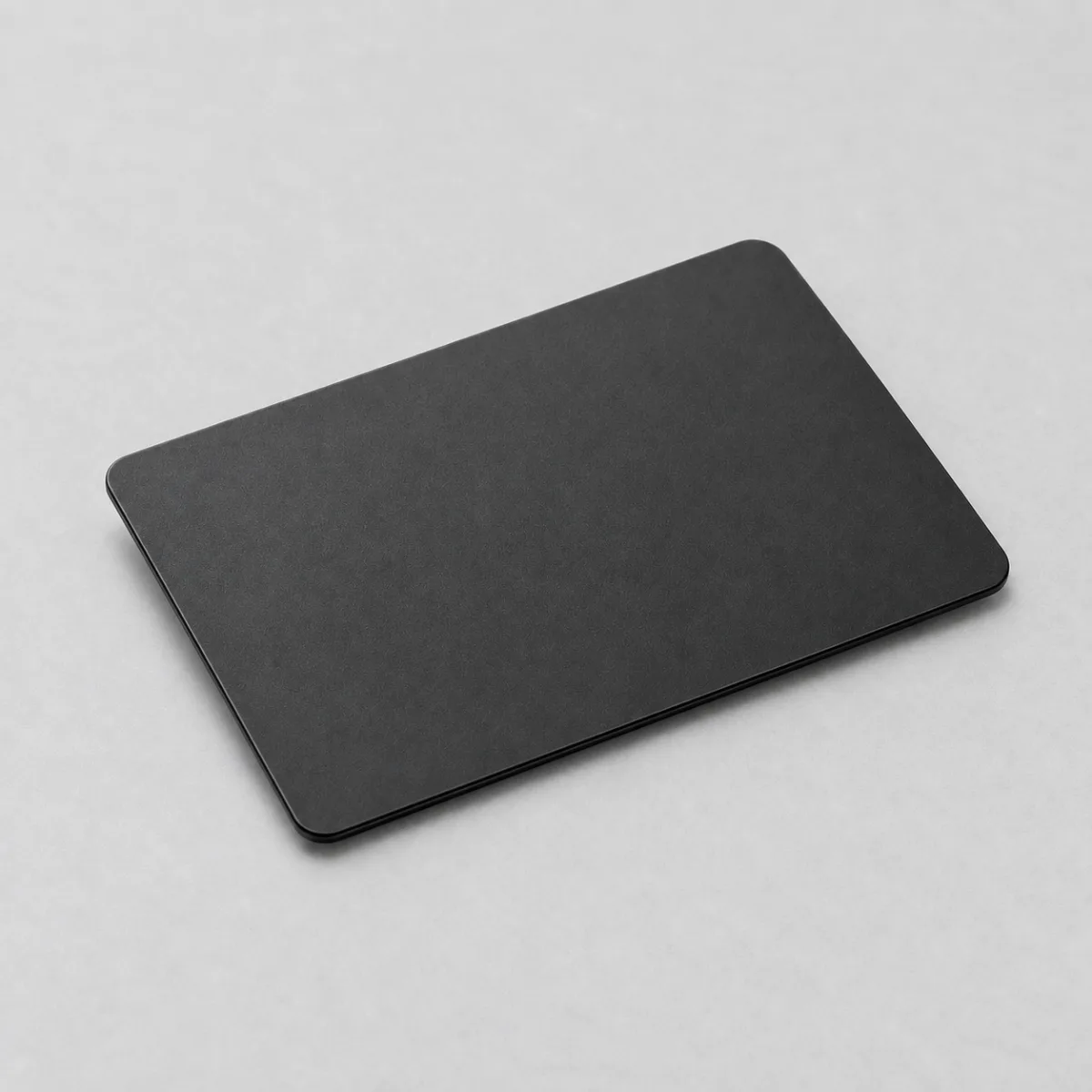
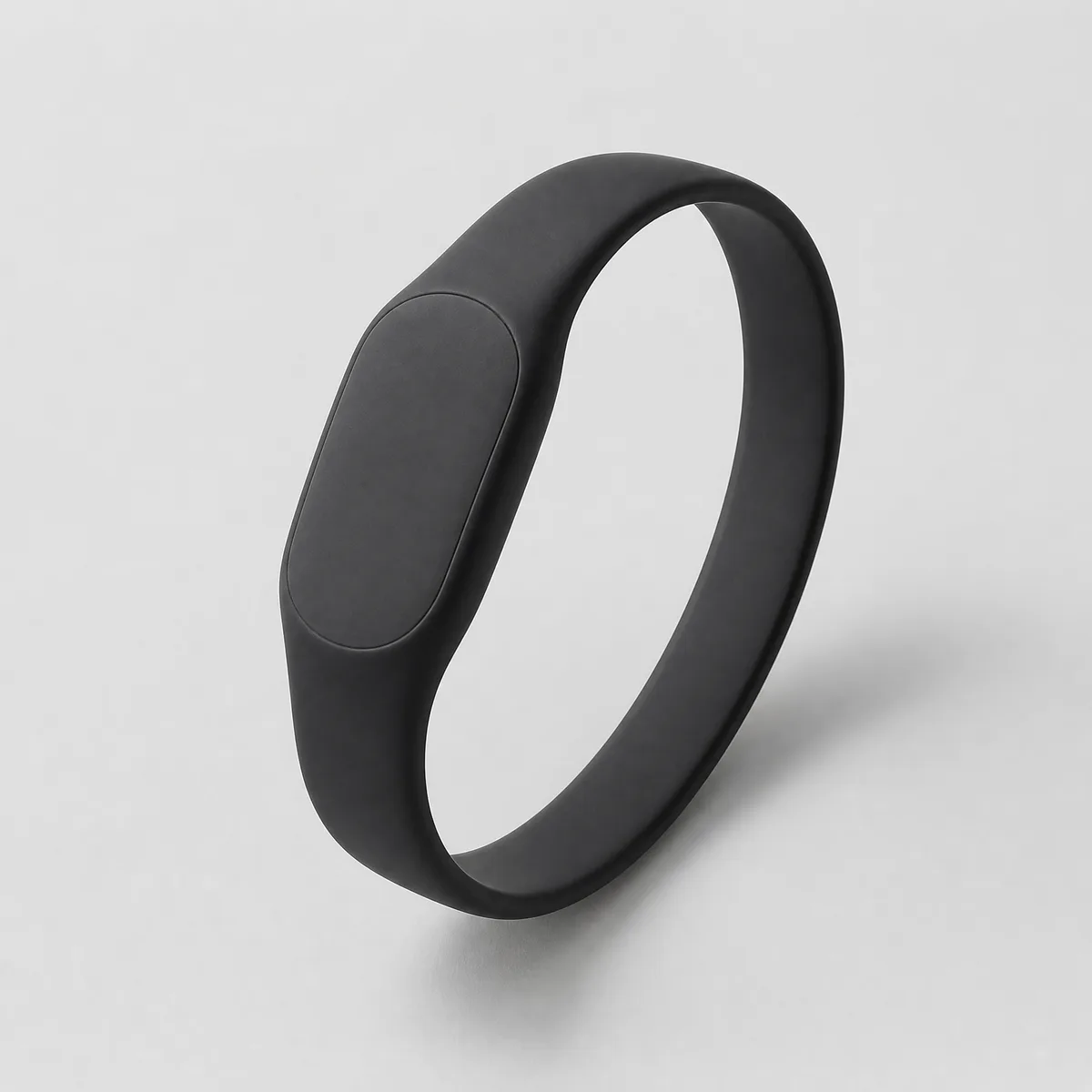
A plain black card for each person who meets customers. Tap to call, save the contact or leave a review.
Set prices. Ready to tap when it arrives. No QR code.
Your page is free with any card, stand or decal order. If Pro ends, your page keeps working.
$0 with any card, stand or decal order
$10 a month or $100 a year
Coming soon. Nothing is charged until it opens.
Table cards, decals, staff cards and more.
Right after you pay: your logo, your business name and what the card opens.
Your page link is ready right away, and we email it to you. Change the page any time. The link stays the same.
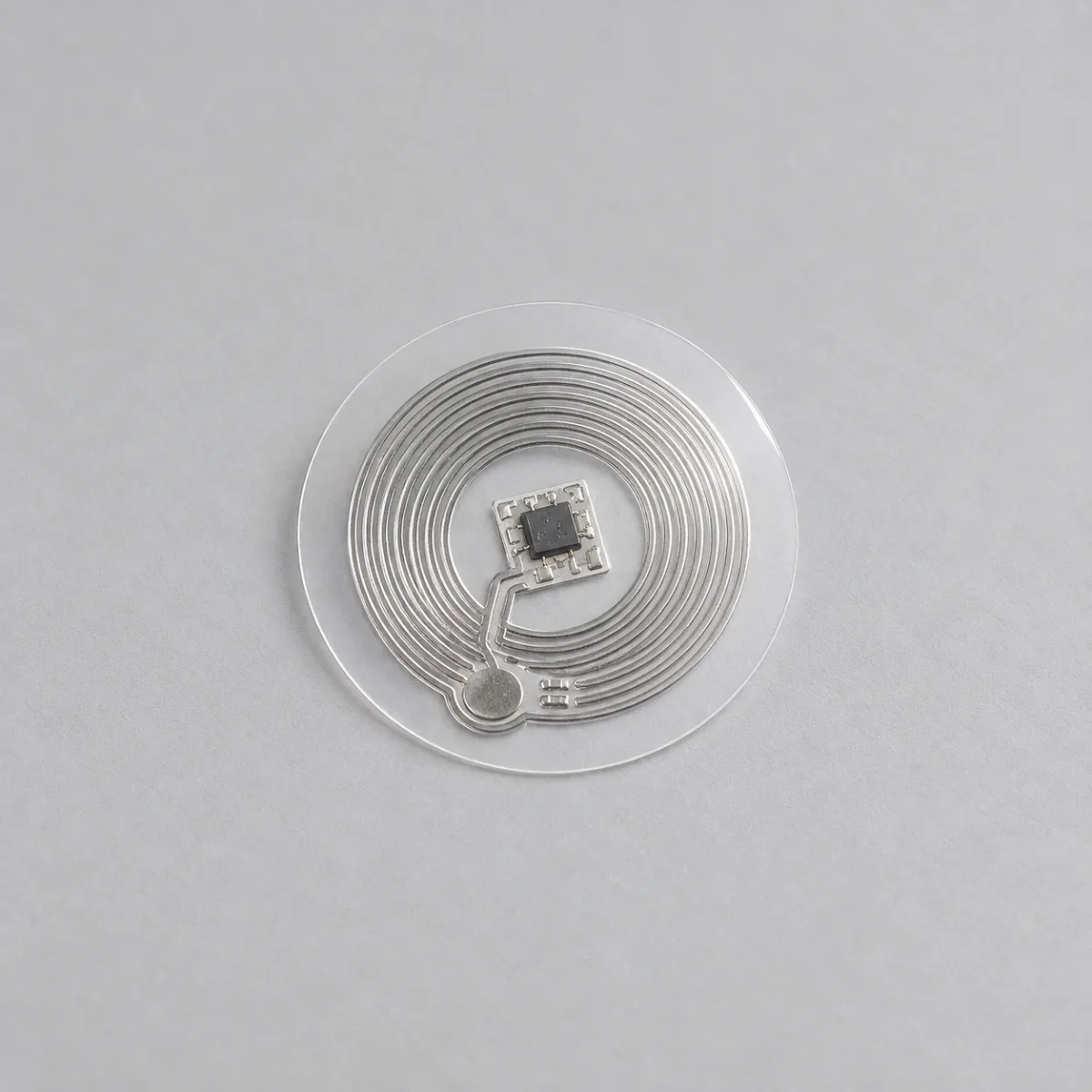
Yes. Both read the chip when the phone is held near the card, and any phone camera reads the QR code. The page opens in the browser.
$30 for the first table card and $25 for each extra one. With an acrylic stand, $40, then $35 each extra. Decals are $25, then $20 each extra.
Change it in your dashboard. The card opens your page link, and the page shows the new number.
No. Nothing to install and no account. The page opens like any website.
The page counts taps per button per day and keeps nothing about who tapped. Details a customer leaves (Pro) are stored encrypted and shown only to you. No ads, no third-party scripts.
Yes. encoretap.com/your-name is printed on your cards and does not change.
Need something custom? Email us